Hospitality & Food
How to Create a WiFi QR Code for Your Restaurant or Café
Let customers connect to your WiFi instantly — no more reading out passwords. Free, takes 2 minutes, works on any phone.
Practical guides to help you get more from QR codes. Learn, create, scan.
Let customers connect to your WiFi instantly — no more reading out passwords. Free, takes 2 minutes, works on any phone.
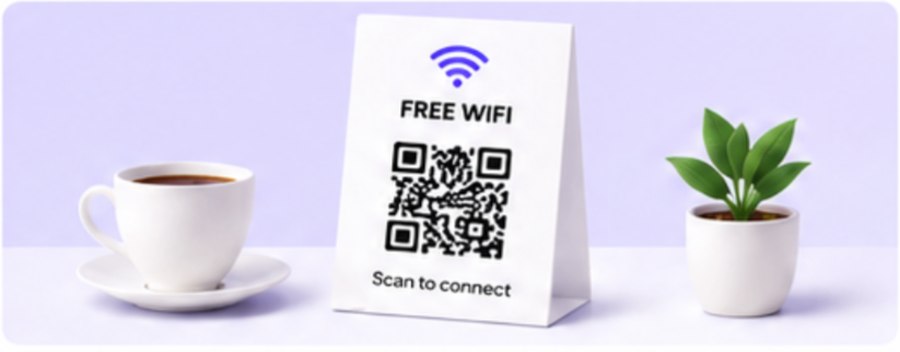
Let customers connect to your WiFi instantly — no more reading out passwords. Free, takes 2 minutes, works on any phone.
Go paperless — customers scan the table and your menu opens on their phone. Update prices anytime without reprinting.
Add a QR code to your card so contacts save your details in 3 seconds. Covers vCard setup, Canva design, and print tips.
Turn your email signature into a one-scan contact save, WhatsApp opener, or website link. Works in Gmail and Outlook.
Link yard signs and open house flyers to the full listing, photos, and virtual tour — one scan, no typing a URL.
Give shoppers instant access to ingredients, loyalty signup, or reviews — straight from the shelf, window, or receipt.
One scan and anyone can message you on WhatsApp instantly. Perfect for businesses, freelancers, and customer support.
Put your Instagram QR on flyers, packaging, or your shop window — anyone who scans goes straight to your profile.
Turn any website, landing page, or link into a scannable QR code — free and instant, no sign-up needed.
Link invitations, badges, or signage to registration, schedules, or venue info — one scan, no lost paper tickets.
Turn a flyer or thank-you card into an instant donation or volunteer signup — no typing a long URL.
Let patients fill out intake forms or check in from their own phone — one scan, no paper clipboard.
Link handouts and worksheets straight to course materials, assignments, or videos — one scan, no typing a URL.
No app needed — one scan opens a pre-filled text message. Perfect for real estate signs, retail, and lead capture.
Show a message or instructions with one scan — no internet needed to read it. Great for equipment tags and info cards.
Keep the label clean while still covering ingredients, sourcing, and instructions — all one scan away.
An honest comparison of privacy, export formats, and cost — and when Canva's built-in tool is still the right call.
Two strong free generators, one key difference: what happens to your data along the way.